When a sale comes in now, I tell my AI agent to do the invoice, and a few seconds later it's done.
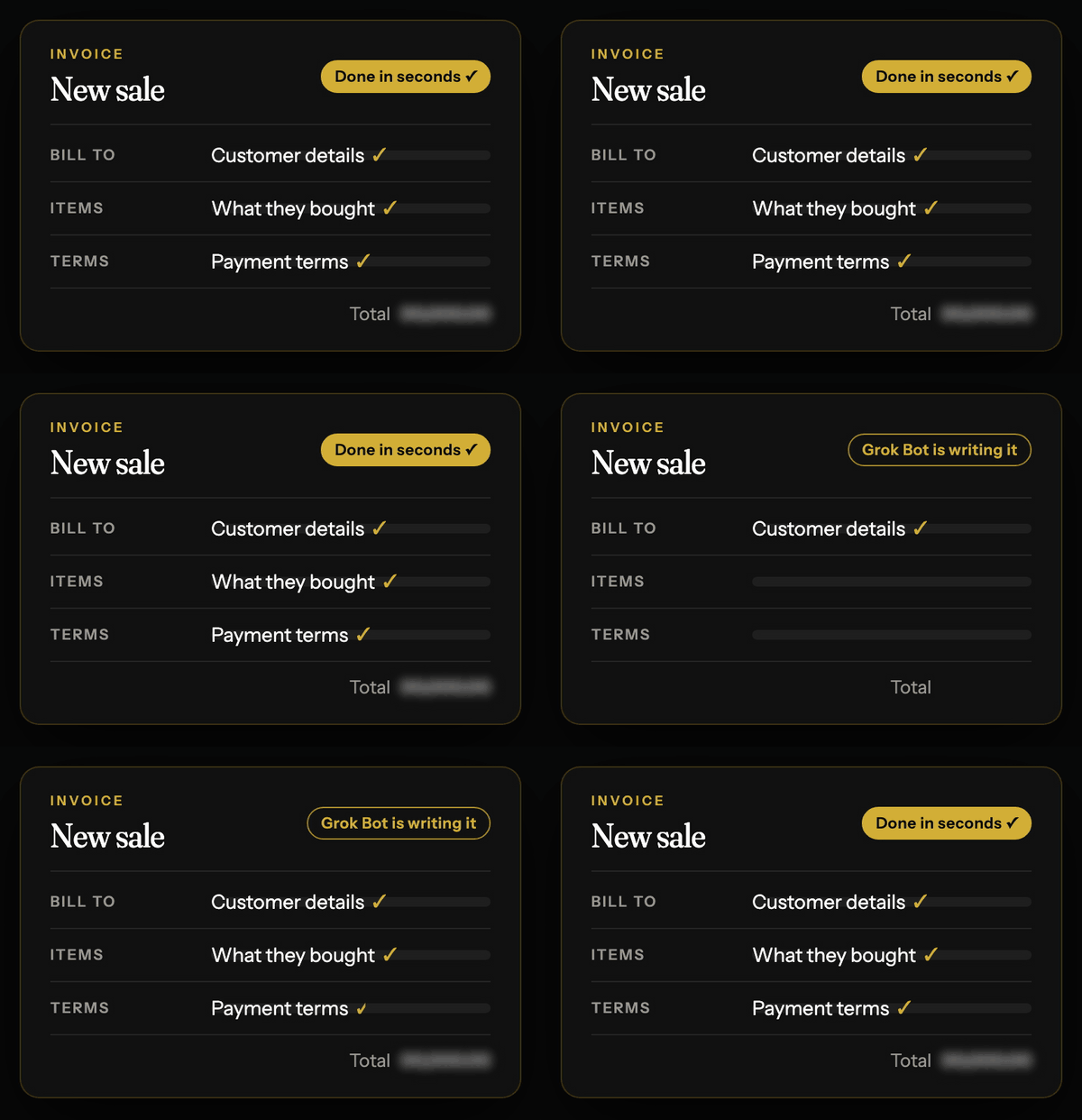
It used to take a lot longer.
I'd go into my accounting software, pull up the customer's name, then what they'd bought, then the payment terms, and all that sort of stuff.
None of it's hard, but it all adds up, and I hate admin.
So here's how it works, and how you can set up the same thing in your business.
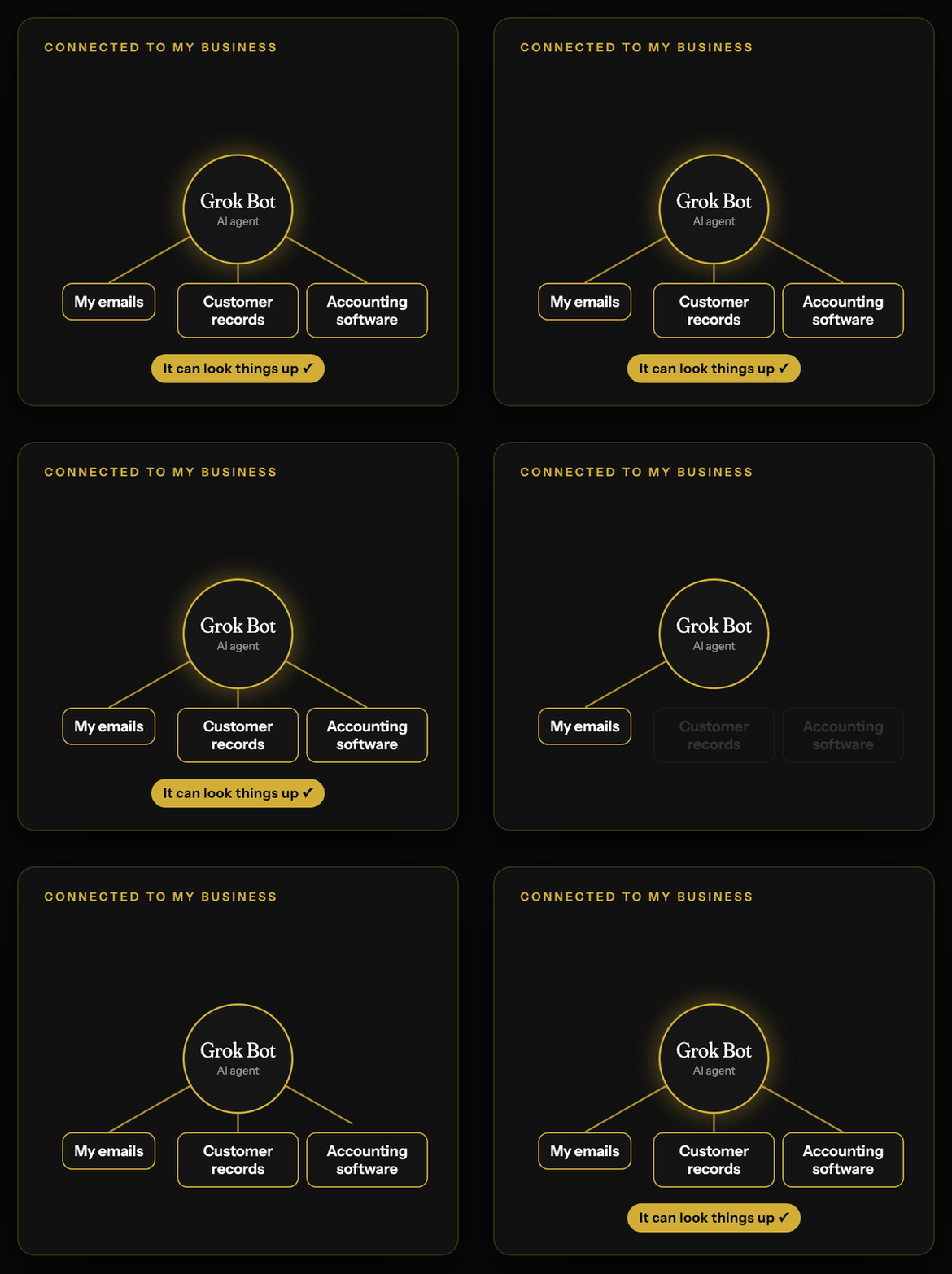
The reason it can do an invoice in seconds is that everything it needs is already somewhere it can reach.
The customer's details are in my customer records, what they ordered is in the emails, and the payment terms are on their account.
Your AI agent needs the same three things, so that's where you start.
Step 1: Connect it to where the information lives. I use an AI agent called Grok Bot, but the same idea works with any agent that can sign in to your tools.
Connect your email first, then wherever you keep your customers, whether that's a proper system or a spreadsheet.
If your accounting software doesn't have a built in connection, Grok Bot can work in it through its own browser, with you typing the login in yourself.
Step 2: Write the job down once, the way you'd explain it to a new starter. Something like this:
"When I tell you there's a new sale, find the customer in my records, take what they ordered and the price from their email, use the payment terms on their account, and create the invoice in my accounting software as a draft.
Don't send it.
Tell me when it's ready and give me the total so I can check it."
Step 3: Do the first few with it, and correct it as you go. Setting mine up took about five minutes, but getting it where I wanted it took a good few weeks of training.
When it gets something wrong, tell it what was wrong and what you want instead, the same as you would with someone new, and it gets better.
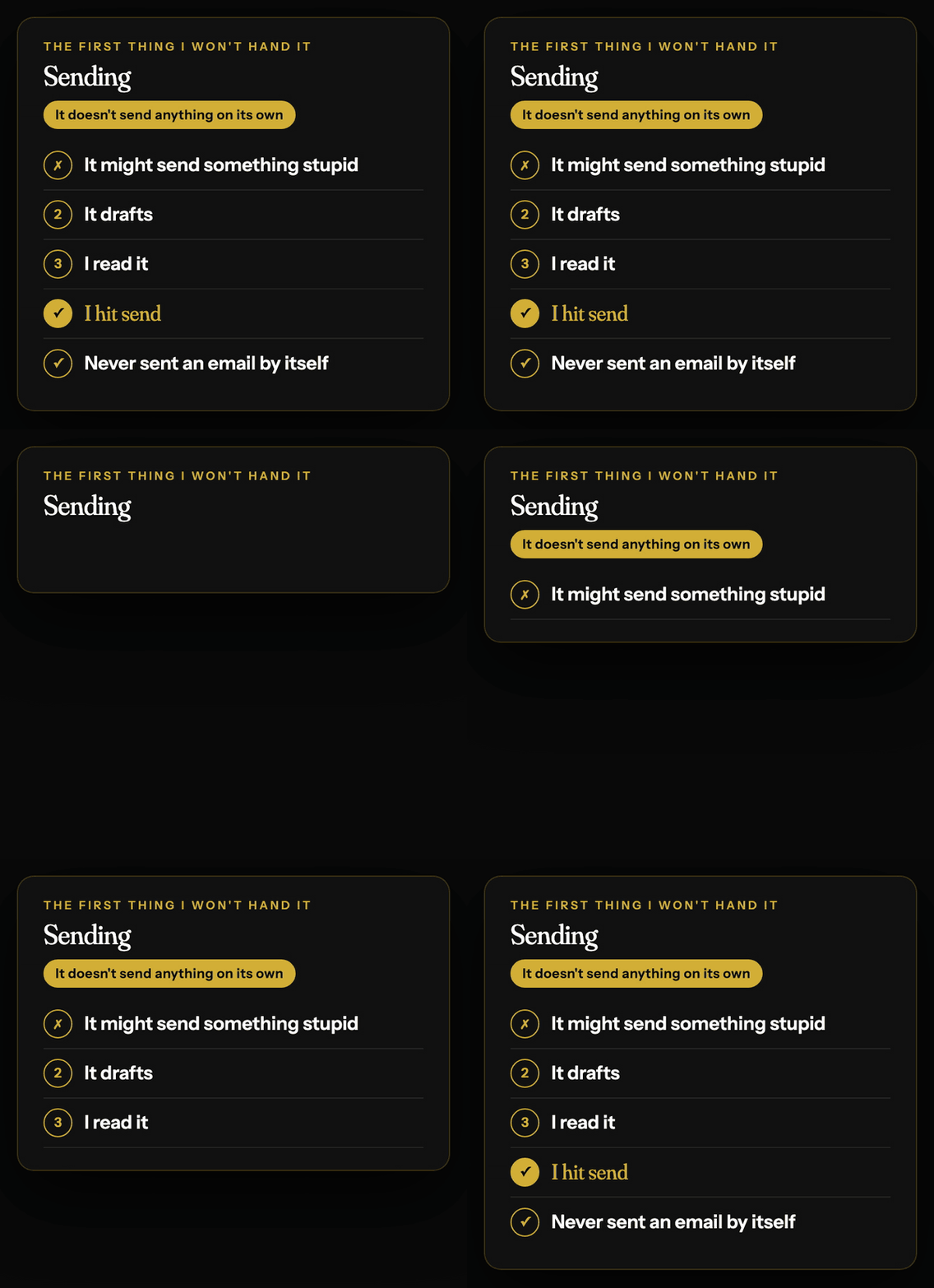
Step 4: Keep it drafting, not sending. Have it save every invoice as a draft, so nothing goes to a customer until you've looked at it.
That one rule is what makes it safe to hand over.
It still gets things wrong.
Mine sometimes over answers on emails, and now and then it goes about a job with completely different steps to normal.
Nothing harmful, and it's getting better as the models improve, but that's exactly why the drafting rule matters.
Once invoices are working, the same setup handles your emails.
Mine used to take a couple of hours a day, because every reply meant looking something up first.
Now the replies are drafted in my tone before I've opened the inbox, and I'm done in 5 to 10 minutes.
None of this cut a job out of my business.
The invoices still go out and the emails still get answered.
The process has been shortened by so much.
People sometimes think that's me being clever.
It's not.
I'm lazy.
I'm always thinking about how I can get something done with the least amount of work.
Dane
P.S. I'm putting the full setup, step by step, into a course called the AI Employee Blueprint.
| Get first look → |